
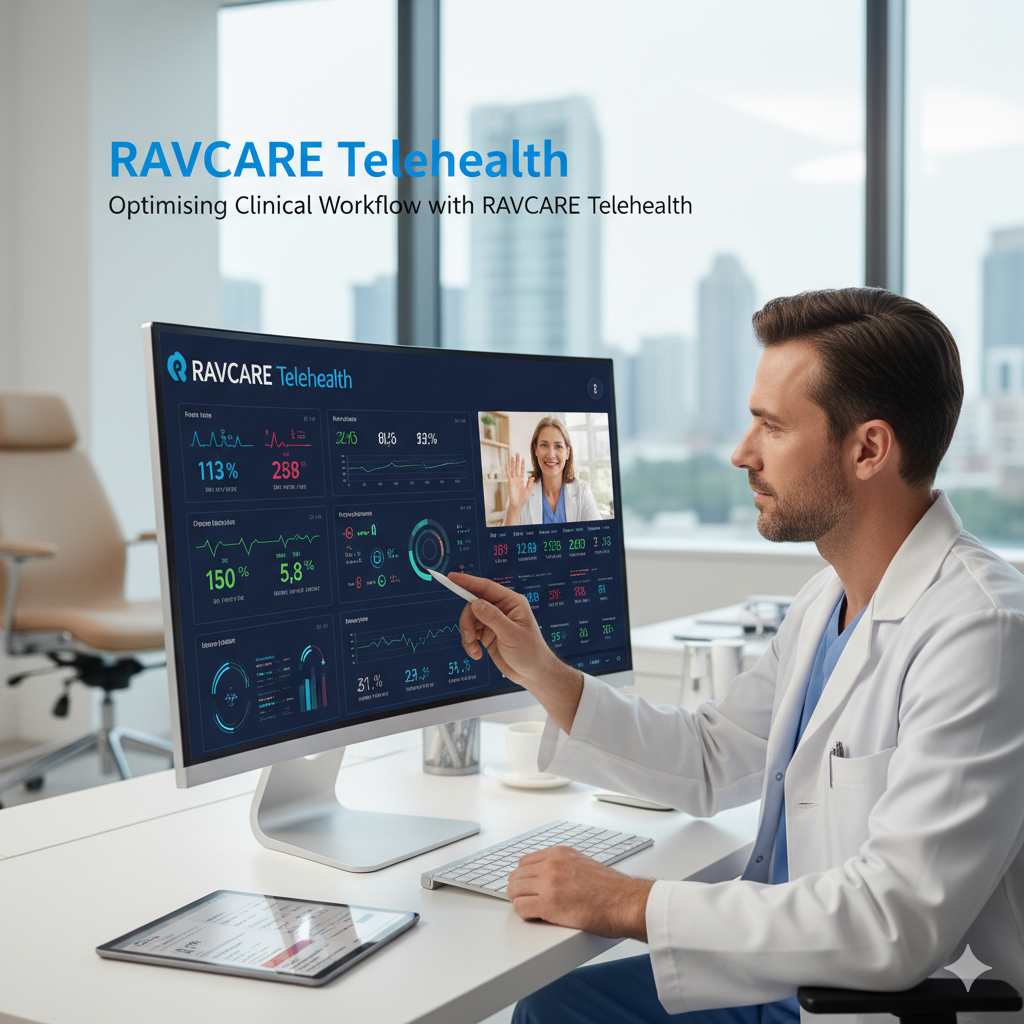
Healthcare systems worldwide continue to face mounting pressures: aging populations, chronic disease burdens, workforce shortages, and expectations for faster, more convenient care.
Telehealth has emerged as a powerful strategy to address many of these challenges by extending reach, improving access, and streamlining care delivery. RAVCARE — a telehealth platform designed specifically for clinical use — offers a suite of features that help healthcare organizations optimise clinical workflows, improve patient experience, increase clinician efficiency, and support better outcomes.
This post reviews how RAVCARE can be integrated into clinical workflows, practical strategies for optimisation, real-world use cases, and considerations for successful adoption. (Reference: https://ravcare.com)
Why Workflow Optimisation Matters in Healthcare
Before diving into platform specifics, it’s helpful to briefly underscore why optimising clinical workflow is critical:
- Efficiency: Streamlined workflows reduce duplication of effort, minimize administrative burden on clinicians, and free up time for direct patient care.
- Access: Efficient processes enable faster appointments, reduced wait times, and broader reach — especially important for rural and underserved populations.
- Quality and Safety: Clear, standardised workflows reduce the risk of error, ensure consistent documentation, and enable better clinical oversight.
- Staff Satisfaction: Reduced friction in daily tasks lowers burnout and improves retention.
- Cost-effectiveness: Efficient use of resources (clinician time, facilities) reduces costs and improves capacity.
How RAVCARE Supports Clinical Workflow Optimisation
RAVCARE is tailored to clinical settings and includes functionality that maps directly to these goals. Below are core capabilities and how each supports optimisation.
- Easy, Secure Virtual Consultations
- High-quality video/audio with low-latency connections ensures productive clinician–patient interactions. Reliable teleconsultation reduces the need for in-person visits when not clinically necessary, saving time for both clinicians and patients.
- End-to-end security and compliance features (encryption, secure data handling) mitigate legal and privacy risks and simplify governance workflows.
Workflow benefit: Replace routine follow-ups or triage visits with teleconsultations, reducing clinic congestion and freeing physical appointment slots for patients who need in-person care.
- Integrated Scheduling and Appointment Management
- Built-in scheduling synchronised with existing calendars reduces the need to switch between systems.
- Automated appointment reminders (SMS/email) and easy re-scheduling functionality lower no-shows and last-minute delays.
Workflow benefit: Smoother patient flow, reduced administrative overhead, and improved utilisation of clinician time.
- Pre-Visit Triage and Intake
- Digital forms and pre-visit questionnaires capture history, symptoms, medication lists, and relevant images or data before the consult.
- Automated triage logic can route urgent issues to appropriate clinicians or suggest in-person assessment when needed.
Workflow benefit: Clinicians start each encounter informed, shortening consultation time and focusing the visit on decision-making rather than data collection.
- Remote Monitoring and Device Integration
- Integration with remote monitoring devices (BP cuffs, pulse oximeters, glucose monitors) enables continuous or scheduled capture of vital signs and patient-generated health data.
- This data can be reviewed asynchronously and triggers alerts when thresholds are crossed.
Workflow benefit: Proactive care management, earlier detection of deterioration, and reduction of unnecessary clinic visits or hospital readmissions.
- Asynchronous Communication and eConsults
- Secure messaging and store-and-forward capabilities allow clinicians to review images, reports, or questions on their schedule.
- Specialist eConsults permit primary care clinicians to obtain specialist input without formal referral and long wait times.
Workflow benefit: Faster decision-making, reduced referral bottlenecks, and better utilisation of specialist resources.
- Documentation and EHR Interoperability
- Seamless documentation tools that generate visit notes and integrate with electronic health records (EHRs) reduce duplicate data entry.
- Support for standardised data formats and APIs simplifies integration into existing clinical ecosystems.
Workflow benefit: Accurate, timely records with less administrative time per visit and improved longitudinal care coordination.
- Team-Based Care and Role-Based Access
- Multi-user collaboration features let nurses, allied health professionals, and administrative staff participate in workflows with role-specific access.
- Care pathways and templates help standardise processes across the team.
Workflow benefit: Efficient task distribution, consistent care delivery, and reduced reliance on any single clinician to manage administrative tasks.
- Reporting, Analytics, and Quality Improvement
- Dashboards and analytics help track utilisation, patient outcomes, clinician productivity, and KPIs (no-show rates, average consult length, readmission rates).
- Data-driven insights guide targeted improvement initiatives.
Workflow benefit: Evidence-based optimisation, scalable improvements, and demonstration of telehealth value to stakeholders.
Practical Implementation Strategies
- Map Current Workflows and Identify Pain Points
- Start with a clear analysis of existing workflows: patient access, triage, scheduling, consultation, documentation, and follow-up.
- Identify bottlenecks (e.g., front-desk scheduling overload, high no-show rates, long in-clinic waiting times) where telehealth can have the greatest impact.
- Define Use Cases and Prioritise
- Not all visits are appropriate for telehealth. Prioritise use cases with high impact and feasibility: routine follow-ups, medication reviews, mental health check-ins, post-discharge checks, and triage.
- Pilot a small number of use cases, measure outcomes, iterate, then scale.
- Streamline the Patient Pre-Visit Experience
- Use RAVCARE’s pre-visit forms and automated reminders to gather data, set expectations, and minimize technical issues before the appointment.
- Provide clear patient-facing instructions about how to join the consult from various devices and what to prepare (vitals, medication lists).
- Train Teams and Standardise Protocols
- Train clinicians and administrative staff on platform features, privacy practices, and workflows for telehealth visits.
- Create standardised templates and scripts for triage, documentation, and escalation protocols to ensure consistency.
- Integrate with Existing Systems
- Ensure RAVCARE integrates with appointment systems, EHRs, billing, and remote monitoring devices as needed. This prevents duplication and keeps clinical data centralised.
- Validate data flows, consent capture, and coding for billing to ensure revenue capture and compliance.
- Leverage Asynchronous Workflows
- Use asynchronous messaging and eConsults where appropriate to allow clinicians to respond on a flexible schedule.
- Define SLAs (service-level agreements) for response times to maintain patient expectations.
- Use Data to Measure and Improve
- Track KPIs: average visit duration, no-show rates, patient satisfaction, time-to-visit, readmission rates, and clinician workload.
- Use analytics to identify trends and refine scheduling, staffing, or care pathways.
Real-World Use Cases
Chronic Disease Management
RAVCARE enables remote monitoring and scheduled telehealth check-ins for conditions like diabetes, hypertension, COPD, and heart failure. Clinicians can review device-reported trends, intervene early on warning signs, and reduce emergency visits.Post-Discharge Follow-Up
Post-surgical or post-discharge checks via telehealth reduce readmission risk by allowing timely medication reconciliation, wound checks via video, and patient education—often with better adherence and fewer missed appointments.Mental Health and Counselling
Telepsychiatry and telepsychology are highly suited to virtual care. RAVCARE facilitates secure, private sessions and reduces barriers to access (transportation, stigma), improving engagement and continuity.Rural and Remote Care Delivery
Clinics and hospitals serving remote populations can deliver consultations, specialist eConsults, and education without long patient commutes, improving access and timeliness of care.Specialist eConsults in Primary Care
Primary care clinicians can obtain quick specialist input via store-and-forward methods or short synchronous consultations, reducing unnecessary referrals and supporting more comprehensive primary care.
Measuring Success: KPIs to Track
- Patient no-show rate and late cancellations
- Average consultation length (in-person vs telehealth)
- Wait time from appointment request to visit
- Readmission and emergency visit rates for targeted cohorts
- Patient satisfaction and Net Promoter Score (NPS)
- Clinician time spent on administrative tasks
- Revenue capture and coding accuracy for telehealth services
Barriers and How to Overcome Them
- Digital Literacy and Access
- Provide simple guides and technical support for patients. Offer phone-based support and test calls for those unfamiliar with video platforms.
- Consider a hybrid model for patients without adequate internet or devices.
- Clinician Resistance and Workflow Disruption
- Engage clinicians early, demonstrate time savings, and use data from pilots to build confidence.
- Start with clinical champions who can model successful adoption.
- Integration Challenges
- Prioritise API-enabled integration and collaborate with vendors to ensure data flows. Plan realistic timelines for technical work.
- Reimbursement and Regulatory Complexity
- Understand local telehealth billing policies. Use RAVCARE’s documentation and billing features to capture necessary information and codes.
- Privacy and Security Concerns
- Ensure platform settings, consent capture, and clinician practices meet regulatory requirements. Provide ongoing training on data privacy.
Tips for Scaling Telehealth with RAVCARE
- Start with a focused pilot, measure outcomes, and scale based on evidence.
- Create care pathways that define which conditions and visit types are telehealth-appropriate.
- Use templated documentation and automation to reduce clinician paperwork.
- Leverage asynchronous interactions to expand capacity without overloading schedules.
- Communicate clearly with patients about what to expect, how to prepare, and how to get technical help.
Conclusion
Telehealth is not just a stopgap — when thoughtfully implemented, it becomes a core modality that improves access, supports continuity, and streamlines the clinical workflow. RAVCARE offers a comprehensive set of features designed for clinical environments: secure video consultations, scheduling and intake automation, device integration, asynchronous workflows, and analytics — all of which contribute to optimising care delivery.
Successful adoption requires careful planning: mapping existing workflows, choosing high-impact use cases, standardising processes, integrating with core systems, and using data to guide improvement. With these steps, health systems and clinics can reduce administrative burdens, increase clinician capacity, and deliver more patient-centred care.
For more details about features, integrations, and implementation support, see RAVCARE at https://ravcare.com.
#Telehealth #DigitalHealth #RemoteMonitoring #HealthcareInnovation #RAVCARE #ClinicalWorkflow #VirtualCare #HealthTech #Telemedicine #PatientExperience
 English
  Español
  Italiano
  العربية
  Deutsch
  Русский